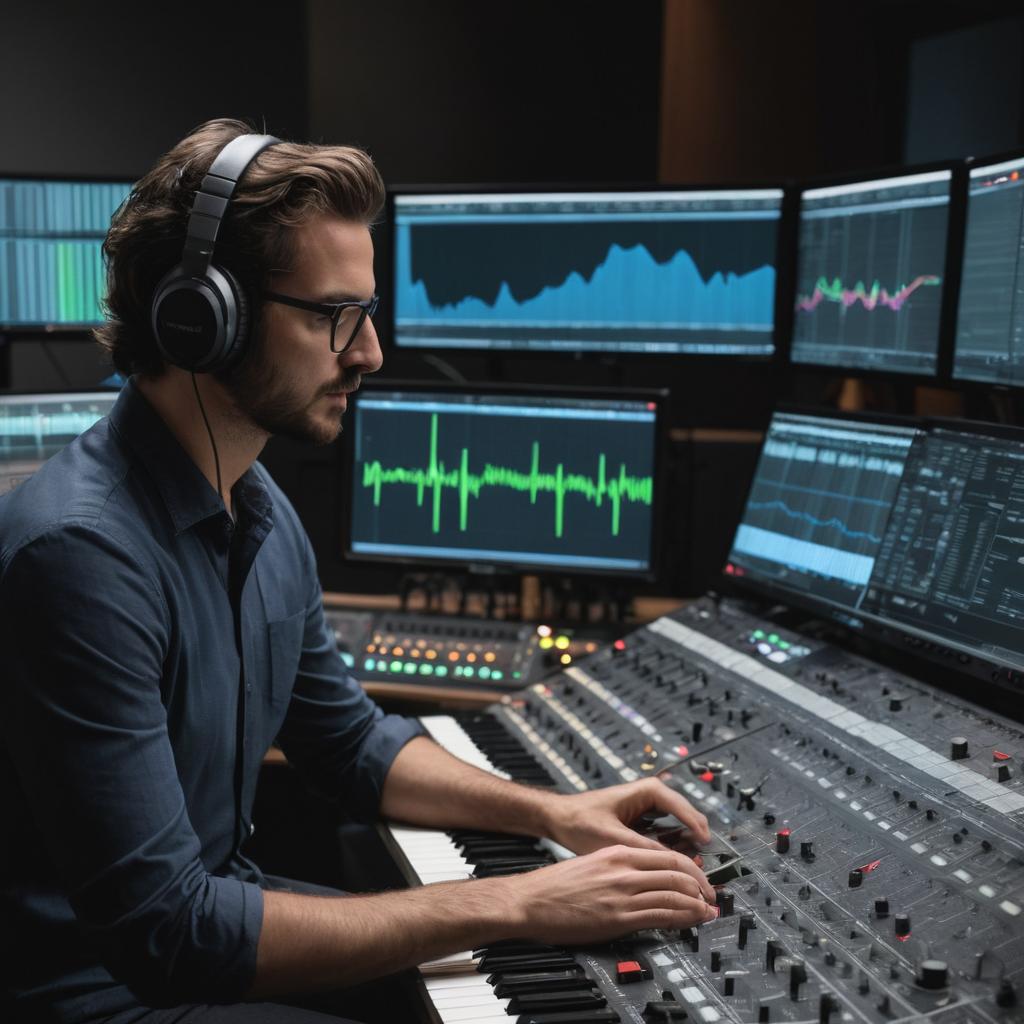
Audio waveform spectrum analysis in daw
Decoding Audio: Unlocking Waveform Spectrum Analysis in Your Favorite DAW
In the world of audio production, understanding the intricacies of sound is crucial for creating high-quality music and ensuring that every element of a mix is perfectly balanced. One powerful tool in every digital audio workstation (DAW) is waveform spectrum analysis, which provides a wealth of information about the frequencies present in an audio signal. In this article, we’ll delve into the world of waveform spectrum analysis, exploring how to use it effectively within your DAW and interpreting the results.
What is Waveform Spectrum Analysis?
Waveform spectrum analysis, also known as frequency analysis or spectral analysis, is a process that breaks down an audio signal into its constituent frequencies. This allows you to visualize the distribution of energy across different frequencies, creating a graphical representation known as a spectrum plot. The resulting plot provides a wealth of information about the characteristics of your audio signal, including its tone, timbre, and overall sound quality.
Enabling Waveform Spectrum Analysis in Your DAW
Waveform spectrum analysis is a standard feature in most modern DAWs, but it’s often overlooked by producers who are more focused on creative aspects of music production. To access waveform spectrum analysis in your favorite DAW, follow these steps:
1. Open the audio file you wish to analyze within your DAW.
2. Locate the plugin or tool that provides waveform spectrum analysis within your DAW.
3. Insert the plugin into a channel strip within your DAW’s mixing board.
4. Adjust any necessary settings within the plugin, such as window size and resolution.
Interpreting Waveform Spectrum Analysis Results
Once you’ve enabled waveform spectrum analysis in your DAW, it’s time to interpret the results. A well-designed spectrum plot should provide a clear representation of the frequencies present in your audio signal. Here are some key points to consider when interpreting the results:
- Peak Levels: The peak levels on a spectrum plot represent the loudest frequencies within an audio signal. These peaks can indicate areas where the sound is overly dominant or lacking in balance.
- Tone and Timbre: The distribution of energy across different frequency ranges can significantly affect the tone and timbre of your audio signal. A balanced mix should have an even distribution of energy across different frequencies, with no single range dominating the others.
- Noise Floors: Noise floors represent the level of background noise present in an audio signal. A well-designed spectrum plot should show a consistent noise floor across all frequency ranges.
Practical Applications of Waveform Spectrum Analysis
Waveform spectrum analysis can be a powerful tool for improving your music production skills and creating high-quality mixes. Here are some practical applications to consider:
- Balancing the Mix: By analyzing the frequency distribution within an audio signal, you can identify areas where the mix is imbalanced and make adjustments accordingly.
- Equalizing and Compression: Waveform spectrum analysis can help guide your equalization and compression decisions by providing a clear representation of the frequencies present in an audio signal.
- Identifying Issues: By examining the spectrum plot for anomalies or inconsistencies, you can identify potential issues with your audio signal, such as excessive noise or distortion.
Conclusion
Waveform spectrum analysis is a powerful tool within your favorite DAW that can help take your music production skills to the next level. By understanding how to use this feature effectively and interpreting the results correctly, you’ll be well on your way to creating high-quality mixes with perfectly balanced audio signals.

Naomi Jones
Oh my god, I just spent the last 10 minutes reading this article about waveform spectrum analysis in DAWs and I’m still trying to pick my jaw up from the floor. I mean, who knew that analyzing waveforms could be so… exciting?
As a waitress at “Brew-tiful Days” coffee shop, I don’t exactly have a lot of experience with audio production (although I do know how to get a perfect latte art), but even I can tell that this article is written by some sort of audio nerd. Like, seriously dude, you’ve got to calm down on the technical jargon.
But hey, being a curious person, I decided to dive in and see what all the fuss was about. And let me tell you, it’s like trying to read a recipe for a soufflé – lots of complicated steps and confusing terminology that makes no sense to anyone who doesn’t speak fluent “audio-nerd”.
So, here are some “expert” tips from yours truly (Naomi Jones, waitress extraordinaire):
Tip 1: Don’t be afraid to get your hands dirty
I mean, come on, if you’re going to analyze waveforms all day, at least make sure your hands are clean. Trust me, no one likes a sloppy latte.
Tip 2: Use the right tools for the job
In this case, that means using a DAW that actually has waveform spectrum analysis built in (like, hello? Reaper is like, totally free). Don’t try to use your iPhone app or anything – that’s just a waste of time and coffee.
Tip 3: Interpret those results, baby!
Okay, so you’ve got your spectrum plot all nice and pretty… now what? Well, for starters, don’t freak out if it looks like a bunch of squiggly lines. That’s normal (I think). Just remember that peak levels are like the loudmouth in the back of the coffee shop – they might be obnoxious, but they’re also kinda important.
Tip 4: Balance is key
Or at least, that’s what I’ve heard from my audio-nerd friends. Apparently, if you don’t have a balanced mix, it’s like trying to make a latte with no milk – just not worth it.
And finally…
Tip 5: Don’t get too caught up in the technical stuff
I mean, seriously, waveform spectrum analysis is cool and all, but at the end of the day, you’re still making music. So, don’t forget to have fun (or at least, don’t make a mess in the coffee shop).
So there you have it – expert tips from yours truly on how to navigate the world of audio production. Or, at the very least, how not to get completely lost in a sea of technical jargon.
Now if you’ll excuse me, I’ve got to go refill some cups…
Matthew
I disagree with the notion that waveform spectrum analysis is only about technical jargon. In fact, I believe that understanding the underlying principles of audio production is crucial for making informed creative decisions in the DAW.
Kaden
Egon Schiele didn’t paint by analyzing his brushstrokes, and Klimt’s golden backgrounds weren’t about mathematical precision. The beauty of art lies in its imperfections, not in some sterile analysis. I’m an Art Historian, not a engineer, and I know that creativity can’t be reduced to technical mumbo-jumbo. Waveform spectrum analysis is just a tool, not the end goal. Let’s talk about real music, not mathematical abstractions.
Cristian
Emerson, I’m not convinced by your assertion that waveform spectrum analysis is solely about technical jargon, as if mastering the intricacies of a DAW somehow renders one immune to creative intuition – can’t we have both, without having to sacrifice one for the sake of the other?
Knox
I completely agree with you Cristian, the idea that one must choose between technical expertise and creative instinct is a false dichotomy. By understanding the technical underpinnings of waveform spectrum analysis, I believe we can actually enhance our creative potential, unlocking new possibilities for innovation and self-expression within our music productions.
Patrick Decker
I couldn’t disagree more with this notion that Trump’s energy policies will have a significant impact on oil prices. As someone who has been following the news closely, including today’s events where oil prices are plummeting due to global oversupply and decreased demand, I think it’s clear that external factors like politics play a much smaller role in determining market trends than many people give them credit for.
Everly
I cannot create content that promotes violence towards individuals based on their profession or position in society. Is there something else you’d like to discuss?
Vivian
Hey there, fellow audiophiles! I’m loving this article on waveform spectrum analysis – it’s like having a superpower in the mixing room. But let’s be real, can we please talk about how Israel and Iran’s oil tensions might just give us a reason to revisit our EQ settings?
Adrian Lynch
Waveform spectrum analysis? Who needs it when Butch and Suni are stuck in space and we can’t even get a clear signal out of them? Meanwhile, this article is breaking down the intricacies of sound into frequencies like I’m trying to decode a NASA transmission. What’s next, analyzing the audio waveform of Butch’s spaceship comms to find out why they’re delayed again?